 Communicado
Creating sample content
To demonstrate the use of Communicado, a sample document can be created. Take the following steps:
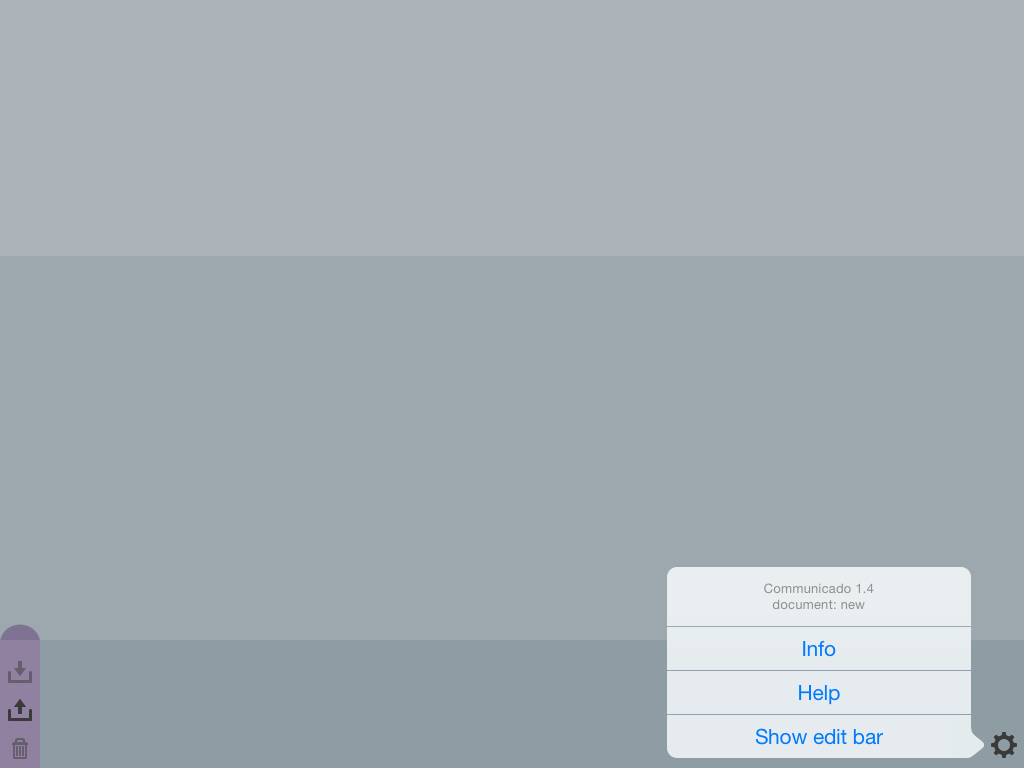
- Tap the Action button (bottom right of the screen). The Action menu will appear.
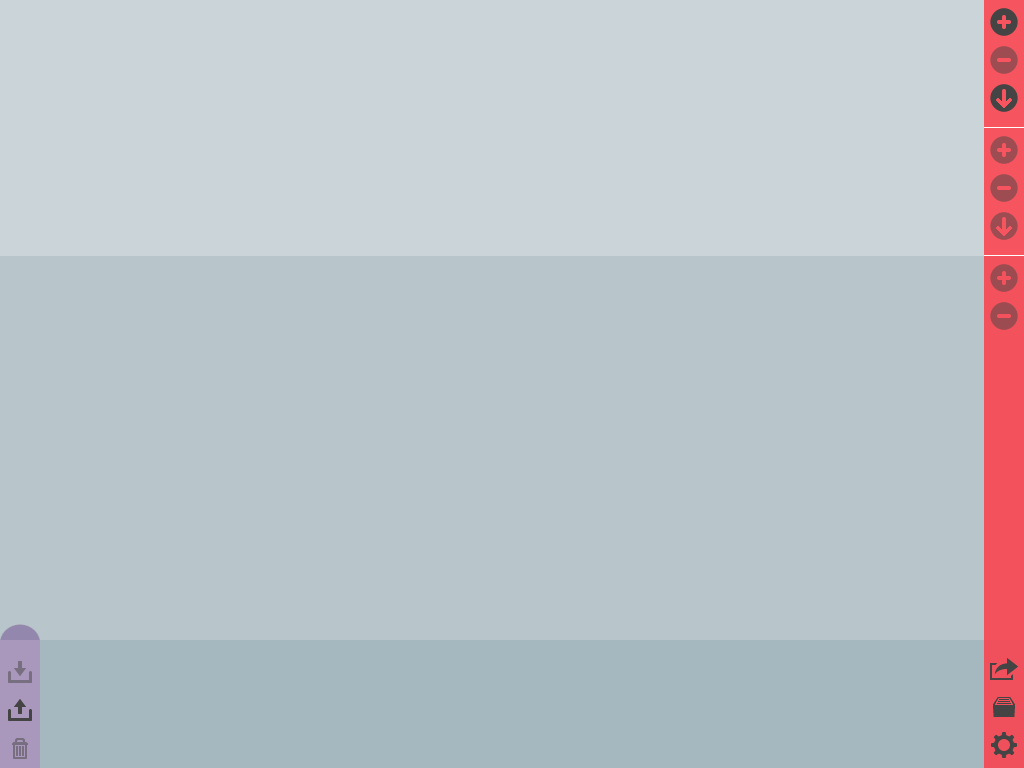
- Select "Show edit bar" from the Action menu. The edit bar will appear.
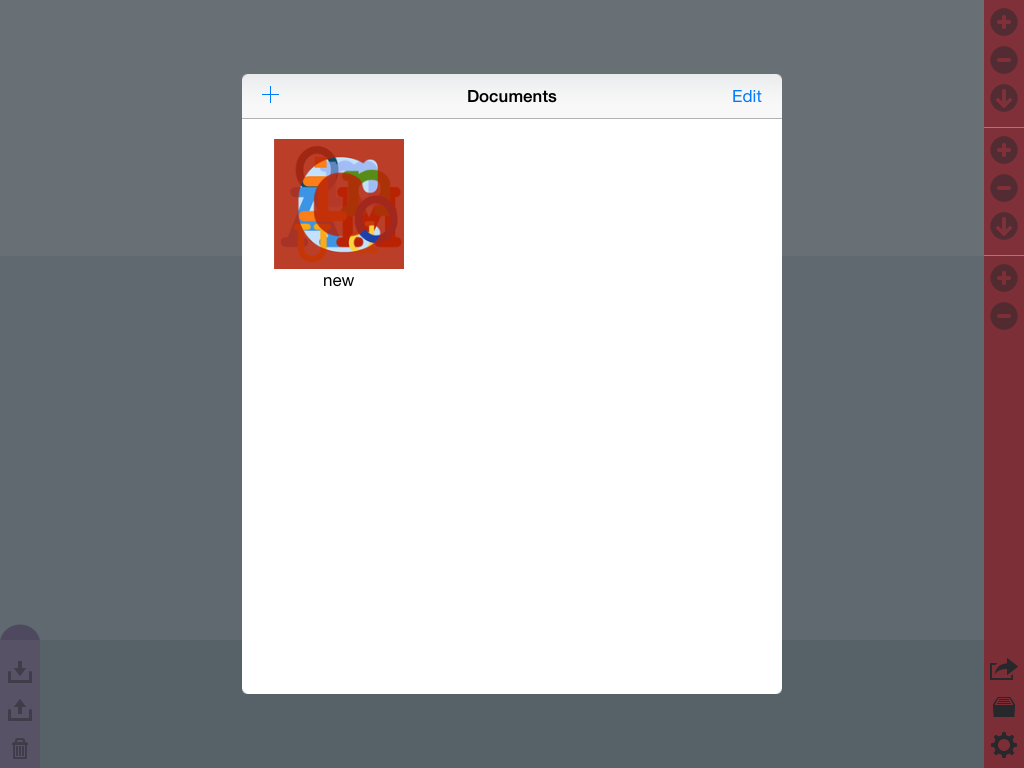
- Tap the Documents button (immediately above the Action button). The Documents dialog screen will appear.
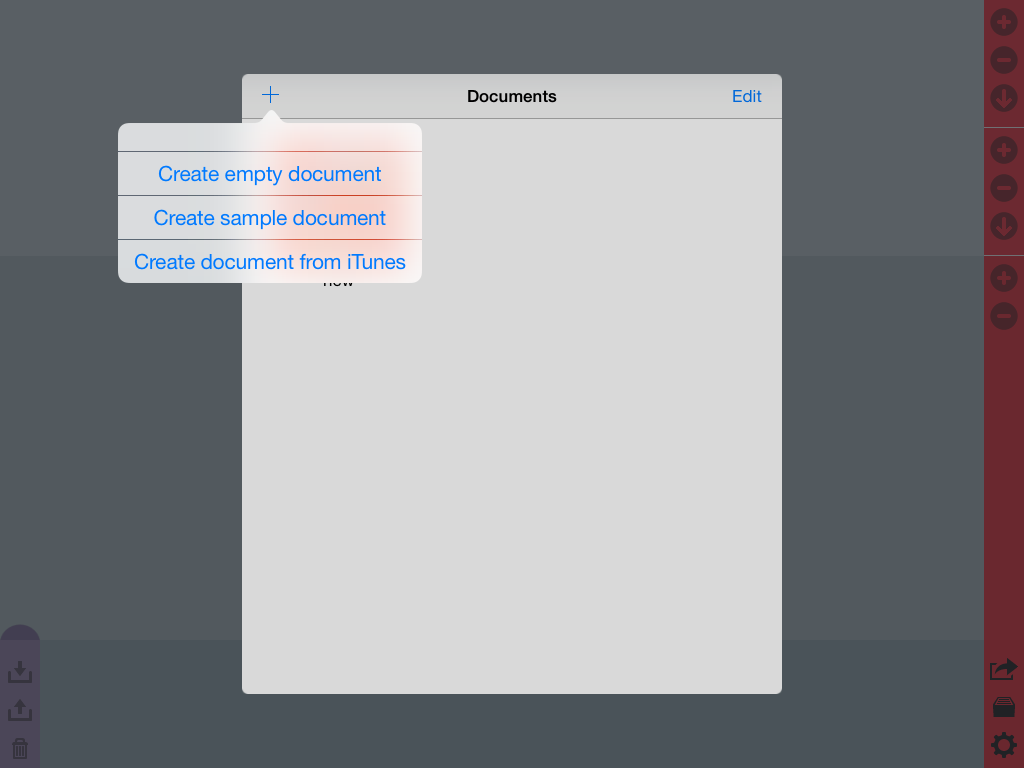
- Tap the "+" button at the top of the Documents dialog. A menu will appear.
- Select "Create sample document" from the menu. A document named "sample" will appear in the dialog screen.
- Select the document "sample" from the screen. It will open, and display the sample categories in the document.
- Close the edit bar using the "Hide edit bar" command from the Action menu.
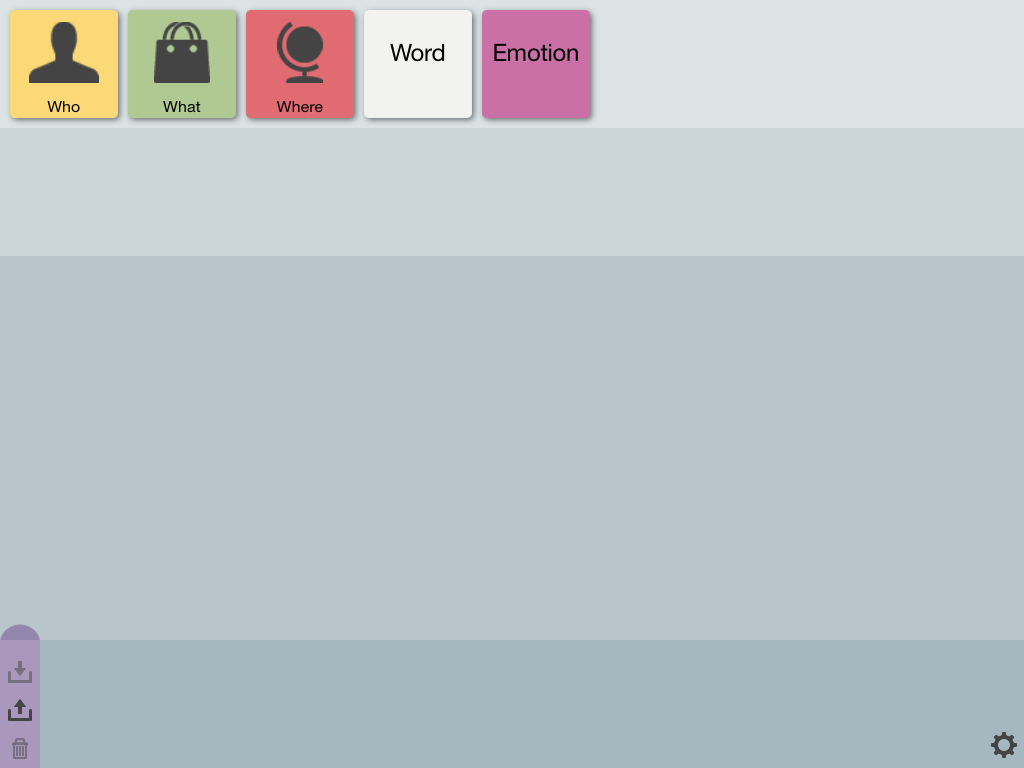
You can now experiment with Communicado, and start browsing: