 Communicado
Documents
You might be in a position (e.g. as a therapist) where you need to edit the content of Communicado for several users. Communicado allows you to do this by creating several documents. These documents can be shared with the individual users. Take the following steps:
- Tap the Action button (bottom right of the screen). The action menu will appear.
- Select "Show edit bar" from the action menu. The edit bar will appear.
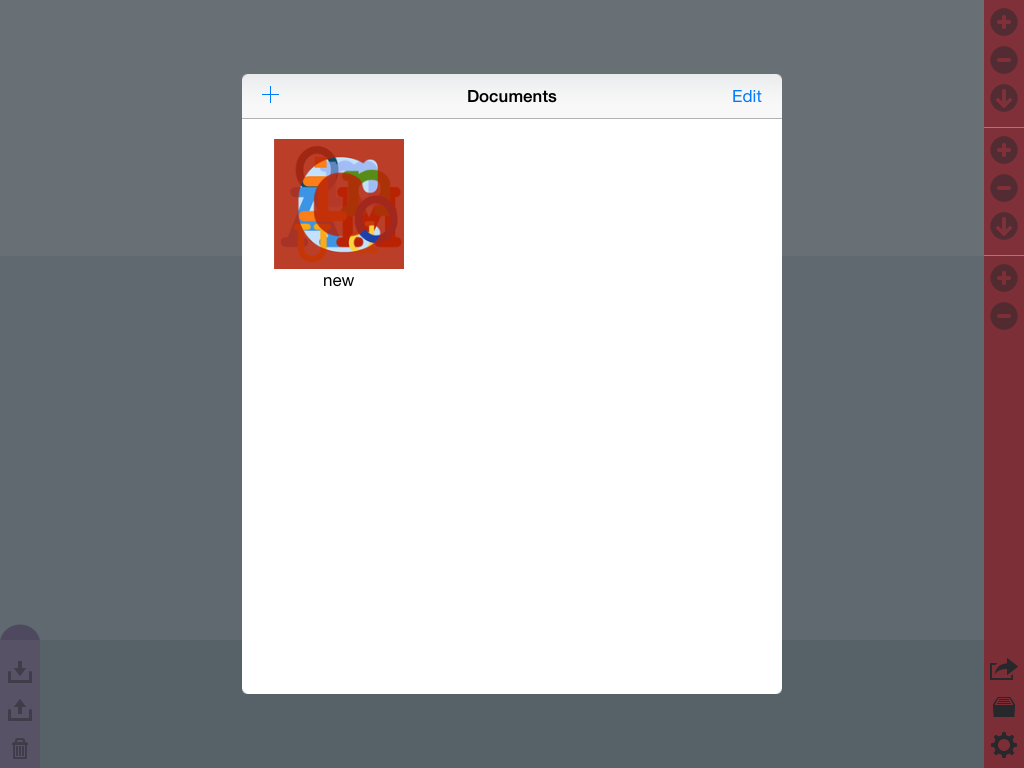
- Tap the Documents button (immediately above the Action button). The Documents dialog screen will appear.
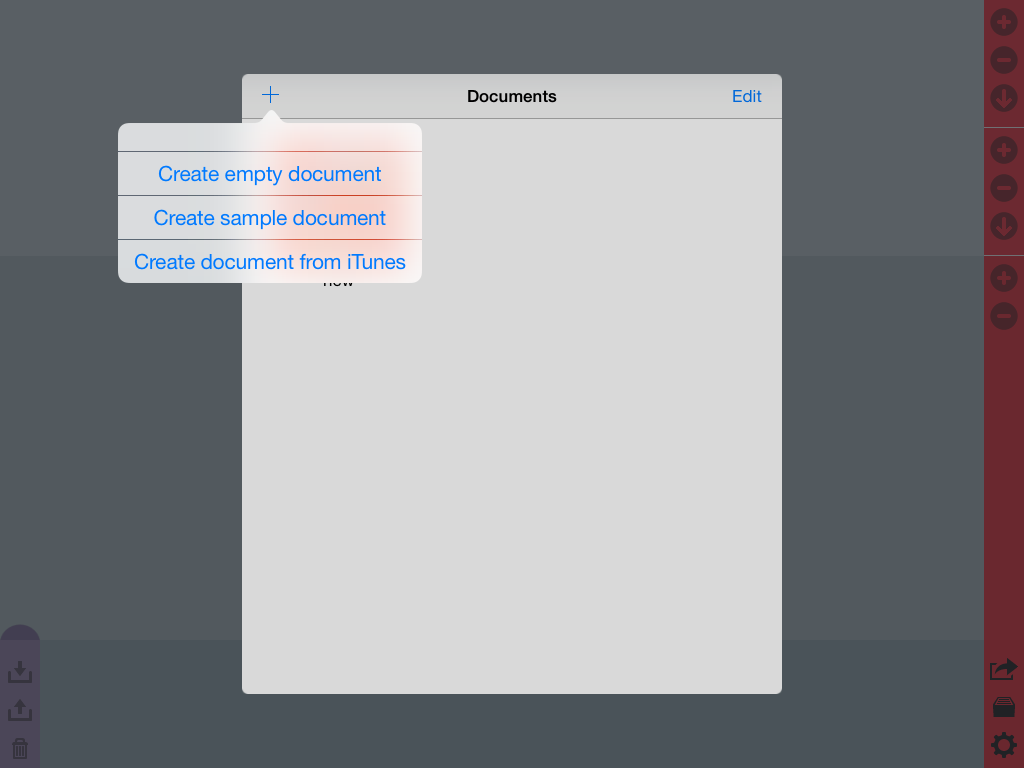
- Tap the "+" button at the top of the action dialog. A menu will appear.
- Select "Create empty document" from the menu. A document named "new" will appear in the dialog screen.
- Select the document "new" from the screen. It will open, but without any content.
- Follow the instructions in Editing content to add or edit content in the document.
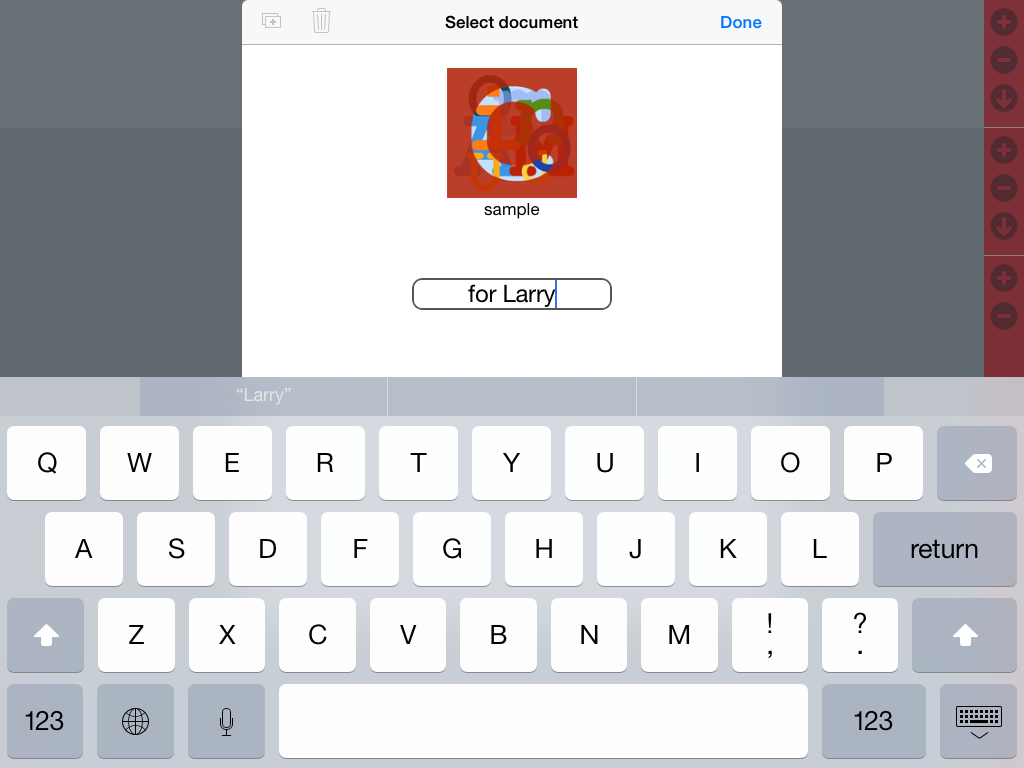
- To change the name of a document, use the Documents dialog screen and tap the Edit button. Now double-tap the name and change it. Finish by tapping the Done button.
- To open another document, use the Documents dialog screen and just select the desired document.
You can send a document to another person: