 Communicado
Story telling
The bottom area of the screen is for stories. The user can drag items to this area, to remember them. The original item will not be removed from its (sub)category. Together, the items in the story area form a story, that the user wants to tell.
To add an item to a story:
- Tap the item, and keep it pressed. The item will become slightly larger.
- Drag the item to the story area. It will be added there.
- An item can be removed from the story area by dragging it to the area above it.
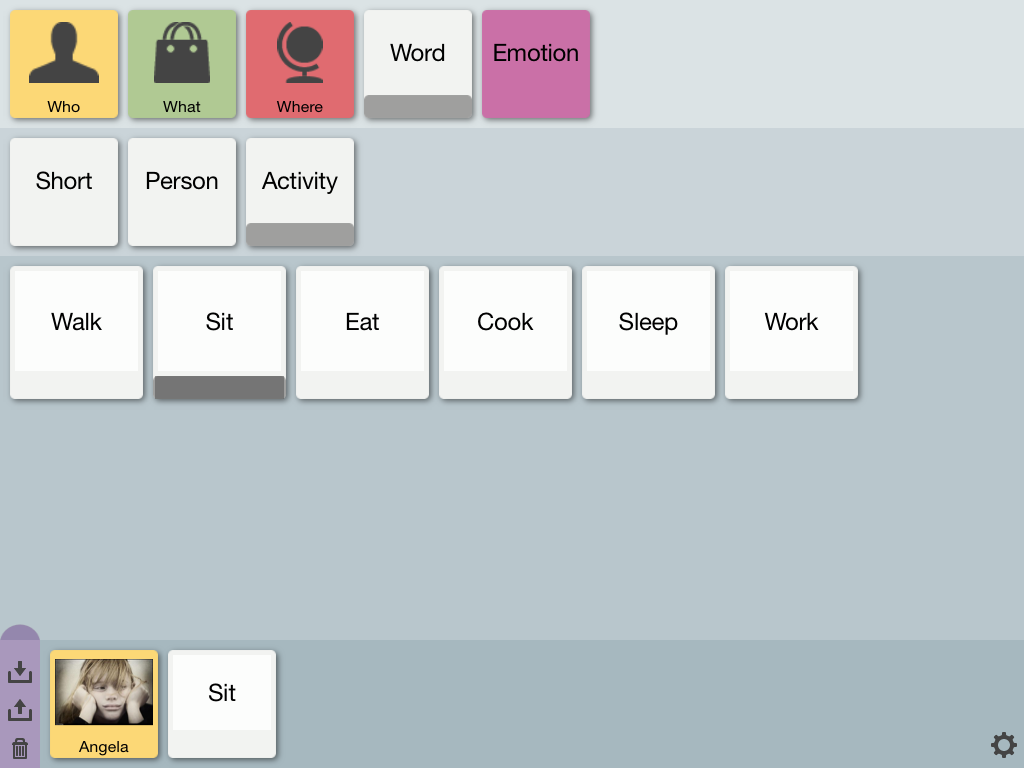
Stories can be saved for later use. To save and retrieve stories:
- The story area has a purple button bar on the left, containing 3 buttons: Save, Load, and Clear.
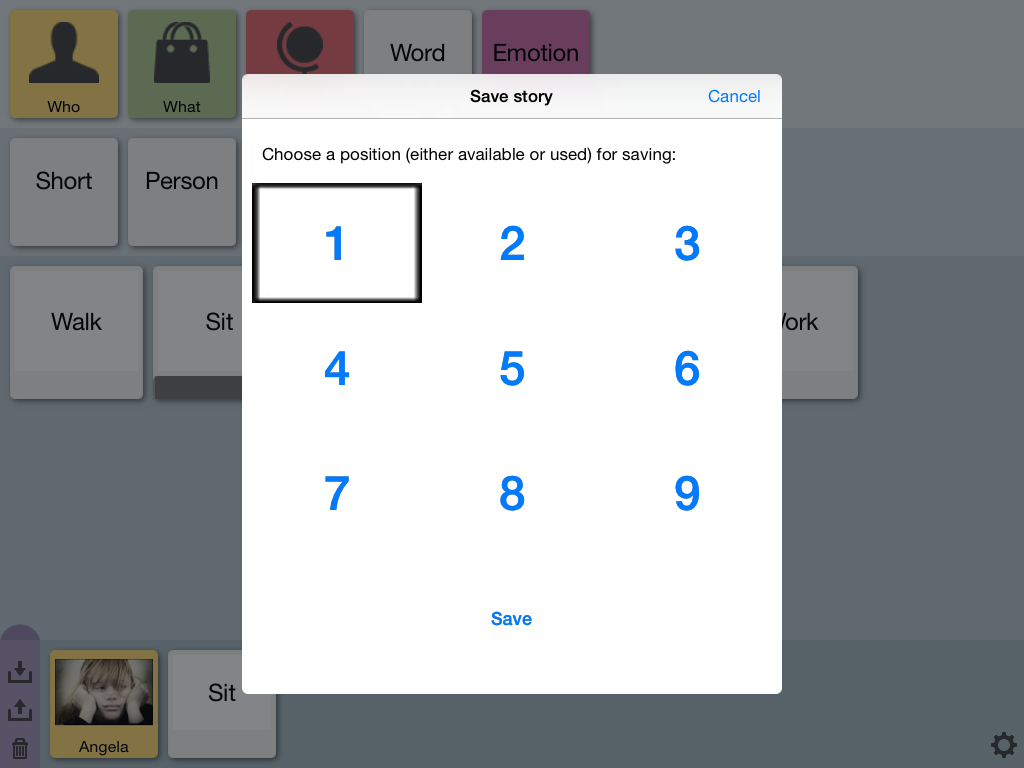
- Tap the Save button to save the current story to one of 9 possible positions.
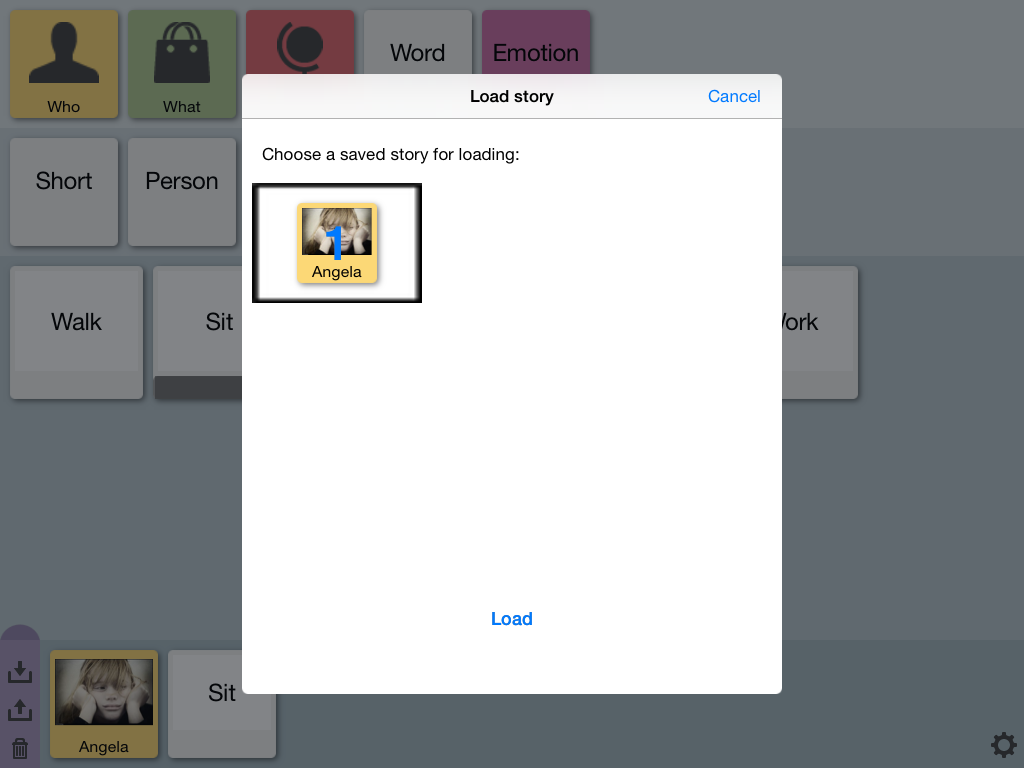
- Tap the Load button to retrieve a saved story.
- Tap the Clear button to clear the current story. Saved stories will not be removed.
Please not that you can hide the story area by dragging the half-round, dark pink top of the button bar down. And reveal it again by dragging it up.
Now you know how to use Communicado. For tailoring the content, more steps are required: